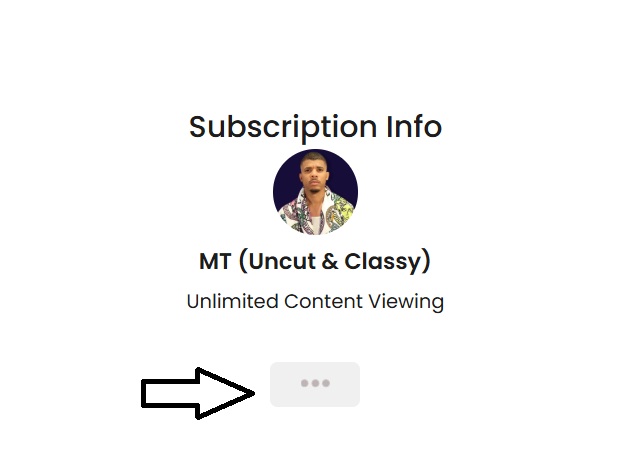
1. What is Famtasm?
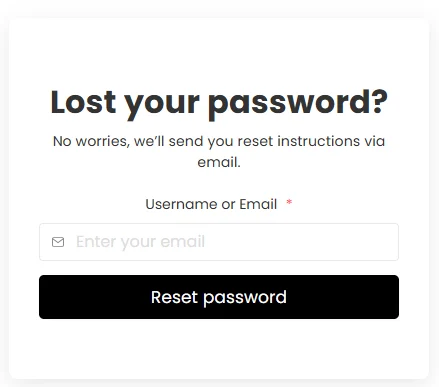
2. How do I recover a lost password?
3. What if I don’t know which email I signed up with?
We got you. We typically send all updates, receipts, and login info to the email you used at sign-up.
 Quick tip: Search for “Famtasm” in the inbox of each email address you own. This usually helps you pinpoint which one was used during registration.
💡 Bonus Tip:
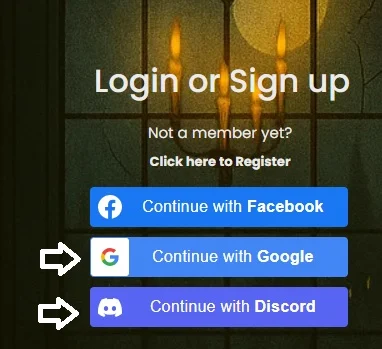
You might’ve signed up using your Google or Discord account. If that’s the case, just click the “Login with Google” or “Login with Discord” button on the sign-in page to get in.
If you still can’t find it, reach out to us with any info you remember (possible names, payment proof, etc.), and we’ll help you track it down
4. Why can’t I see the videos after logging in?
5. My payment failed—what should I do?
A payment can fail because
the bank declines it,
the saved card needs updating,
or authentication was not completed.
 Use the recovery link in your payment email, or open the affected subscription in My Account.
Review the amount due and payment details before confirming. Contact support if the subscription is missing or the details look incorrect.
6. How do I update my billing info or card?
7. When will I be billed?
8. How can I cancel my subscription?
Cancel the subscription you want to end from My Account. Cancelling stops future renewals for that subscription.
 Cancelling during the trial ends trial access immediately. For a paid membership, review the cancellation confirmation and access end date shown in your account. Contact support if that date differs from the end of your paid period.